Process task with the default workflow
As soon as you have started the workflow, a new task object is created. The task can then be processed step by step via the More actions of the new object by the participants executing the respective transitions of the workflow:
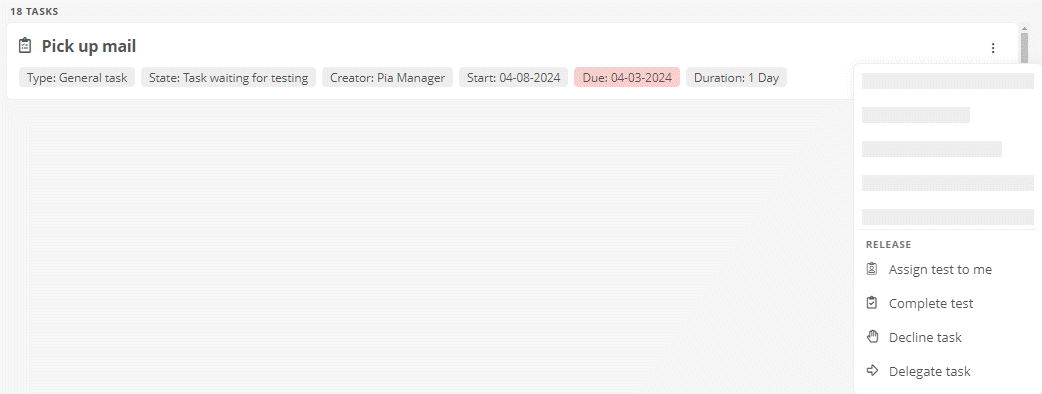
Hinweis: You can process tasks from several areas using the More actions button. The context menu for this button adjusts as soon as you have the authorization to execute the respective transition. You will find the More actions button in the following areas:
-
In object cards (start page, My tasks, Favorites and History)
-
In the quick navigation for the relevant object
-
In the content area of the object
-
In the header of the object's properties sidebar
Siehe auch: The transitions that are available and the workflow statuses at which they can be executed are described under States and transitions of the default task workflow.
Siehe auch: How you can edit the properties of a task object is described under Edit task properties.